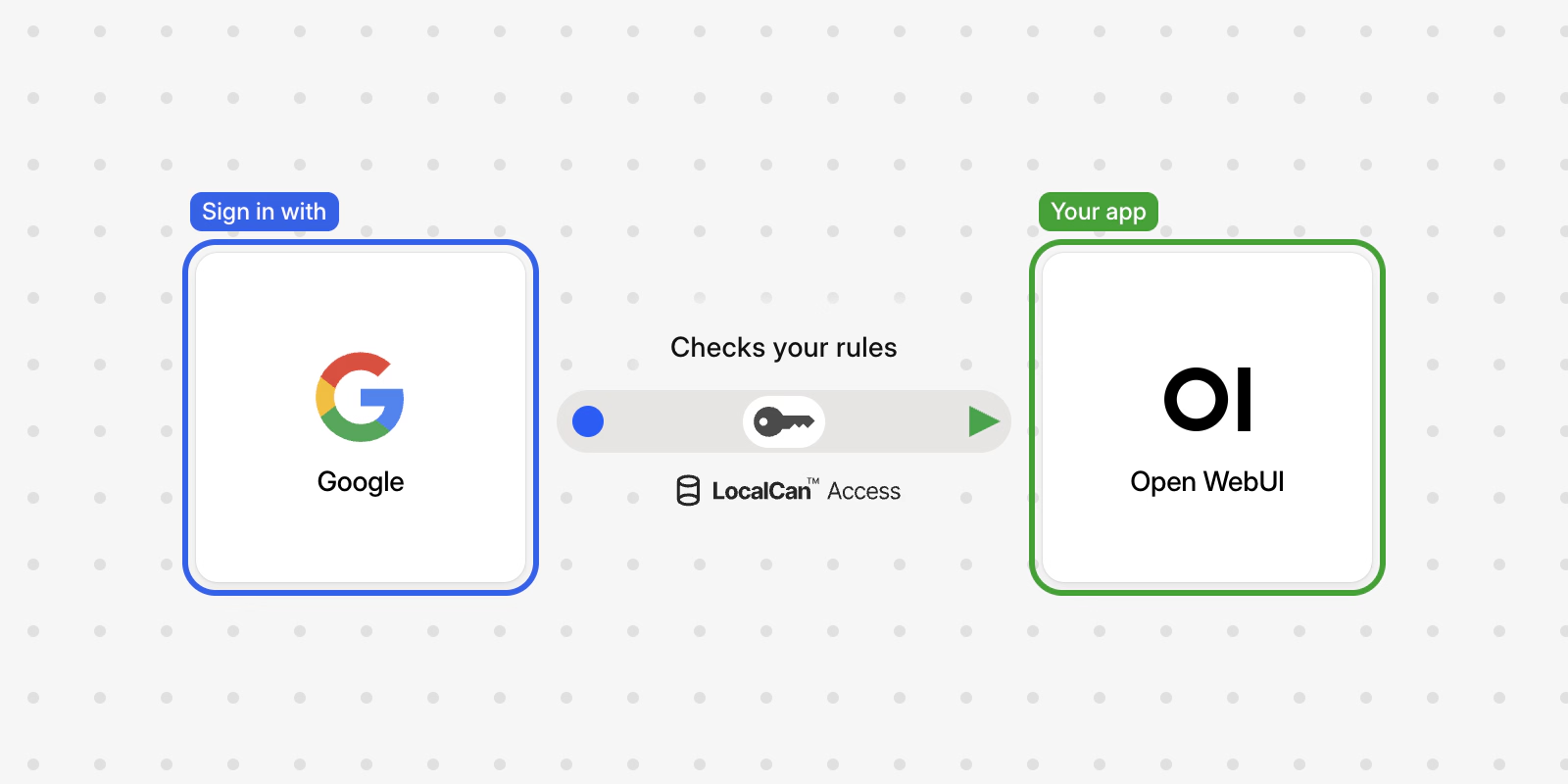

Open WebUI has SSO built in. It signs people in with Google, Microsoft, GitHub or one OpenID Connect (OIDC) provider such as Okta or Keycloak, set with environment variables by default. Its SSO documentation↗ covers each provider, as of v0.13.4, the current release. That decides who gets an account, while the sign-in page, the sign-up endpoint and the API keep answering anyone who finds the address. To keep Open WebUI away from everyone but your team, put company sign-in in front of it, so a request reaches Open WebUI only after someone your rules allow has signed in.
How does Open WebUI's built-in SSO work?
Each provider has its own client ID and secret: GOOGLE_CLIENT_ID, MICROSOFT_CLIENT_ID (plus a tenant ID), GITHUB_CLIENT_ID, or OAUTH_CLIENT_ID with OPENID_PROVIDER_URL for any OIDC provider, each with its matching _SECRET variable. Only one OIDC provider can be set at a time. Open WebUI's OIDC setup steps↗ give the redirect URI to register with your provider, <open-webui>/oauth/oidc/callback. These settings decide how it behaves, with their defaults from the environment variable reference↗:
| Variable | Default | What it does |
|---|---|---|
WEBUI_URL | unset | The address people open. Set it before anyone signs in with SSO, or sign-in fails. |
ENABLE_OAUTH_SIGNUP | False | Creates an account the first time someone signs in with SSO. |
OAUTH_ALLOWED_DOMAINS | * | The email domains allowed to sign in with SSO. |
ENABLE_LOGIN_FORM | True | The email and password form. It must be False when ENABLE_OAUTH_SIGNUP is True. |
OAUTH_AUTO_REDIRECT | False | Sends /auth straight to the provider, when there is one provider, no login form and no LDAP or trusted-header sign-in. |
ENABLE_SIGNUP | True | Account creation with email and password. |
DEFAULT_USER_ROLE | pending | New accounts wait until an admin activates them. |
What stays public with built-in SSO?
Every route. The login page at /auth, the sign-up endpoint at /api/v1/auths/signup, /api/config and the rest of the API all answer whoever finds the hostname, and Open WebUI decides what to do with each request.
Open WebUI has no default username or password, unless you set WEBUI_ADMIN_EMAIL and WEBUI_ADMIN_PASSWORD to create one at first start. On a fresh install, the first account created gets the Admin role, that first sign-up ignores ENABLE_SIGNUP, and Open WebUI turns sign-up off once it succeeds (roles documentation↗). With the login form on, as it is by default, an instance that goes online before you create your own account gives the admin role to whoever signs up first. Later, whenever an admin turns sign-up back on so the team can create accounts, the form is open to anyone who finds it, and new accounts wait as pending until an admin activates them.
Company sign-in in front changes who can send those requests at all. A person who isn't on your list never reaches /auth, so there is no sign-up form to find and no stranger can take the first admin account.
What does a stranger see at the Open WebUI address?
LocalCan Access puts Google, Microsoft, GitHub or your own OIDC sign-in in front of a web app on your own server. With it in front, LocalCan answers these requests before Open WebUI sees them. These calls ran against a test setup, which is why the hostname is e2e-app.example.com and the commands carry -k (the test setup has its own certificate). Each call also carried --connect-to to reach the test server, left out below. The output is trimmed to the headers that matter, and the location header is left out because it names the test setup's sign-in host.
A browser opening the sign-in page gets a redirect:
$ curl -sk -o /dev/null -D - -H "Accept: text/html" -H "Sec-Fetch-Mode: navigate" -H "Sec-Fetch-Dest: document" https://e2e-app.example.com/auth
HTTP/2 303
cache-control: no-store
server: LocalCan
x-robots-tag: noindex, nofollow
Its location header points at LocalCan's sign-in, which sends the browser on to the app's sign-in method. This app has one method, Google, so the next hop is Google's own sign-in page. With several methods, people pick one first.
A script trying to create an account gets a 401 from LocalCan, and Open WebUI never receives the request:
$ curl -sk -i -X POST -H "content-type: application/json" -d '{"name":"x","email":"x@example.com","password":"x"}' https://e2e-app.example.com/api/v1/auths/signup
HTTP/2 401
content-type: application/json
server: LocalCan
www-authenticate: LocalCan-Access
x-localcan-auth: login

{"error":"authentication_required","login":"/.localcan/access/login"}
The same 401 came back for /api/config.
Does Open WebUI still work behind a sign-in proxy?
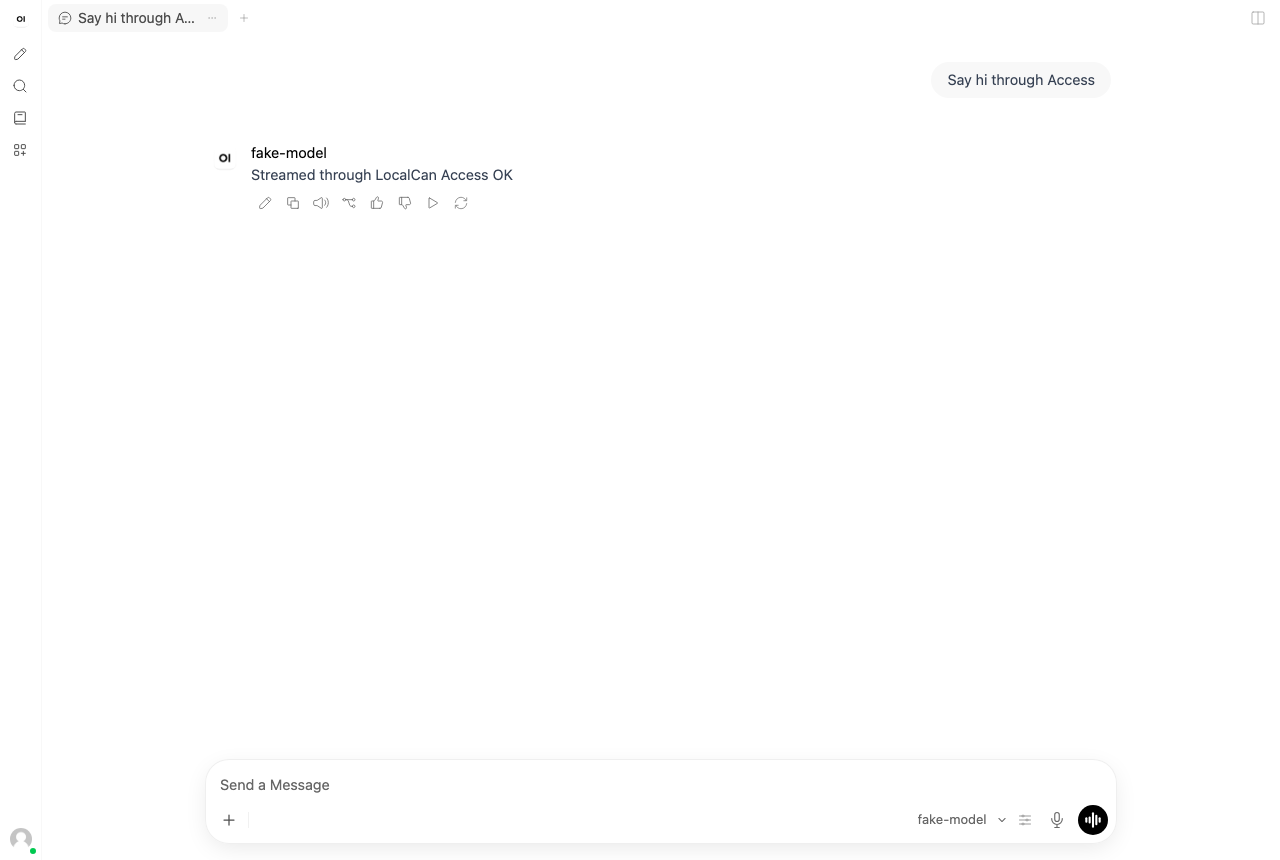
Open WebUI streams each reply and keeps a socket.io WebSocket open for the page, so those are the parts to check behind any proxy. I ran Open WebUI v0.13.4 behind Access on a test setup on November 21, 2026, with a test model that streams a fixed reply. A browser created the first account through Open WebUI's own sign-up, opened a chat and sent a message. In that run:
- The socket.io WebSocket upgrade answered
101, and the page's socket carried 18 frames in and 4 out. - The reply streamed into the chat.
- No response was a 5xx, no redirect dropped
https, and no LocalCan error page appeared.
The browser was let in with a service token instead of a Google sign-in, so the run covers Open WebUI's traffic through Access and leaves out the sign-in and a signed-in person's session. The commands and numbers come from my own runs.
How do you put company sign-in in front of Open WebUI?
Access is in Preview and priced per app: Starter is $29 a month for 3 apps, and Access pricing lists the other tiers. The steps follow the quick start, which also lists what to have first: Access on your team and an owner or admin account with two-factor sign-in.
1. Add the app. In the dashboard, open LocalCan Access → Apps, select Add app and choose the Your own app preset. Enter the hostname people will open, such as chat.example.com, and the upstream as the connector reaches Open WebUI: http://open-webui:8080 when both share a Docker network, since 8080 is the port Open WebUI listens on inside its image. For a first app, choose New connector on this server. Creating the app shows the connector key once, so copy it before you close the dialog.
2. Run the connector next to Open WebUI. The connector runs on Linux, with Docker, Docker Compose or systemd. Save the key in a file that the connector's user owns:
sudo install -d -m 0755 /etc/localcan
sudo install -m 0400 -o 65532 -g 65532 /dev/stdin /etc/localcan/connector.key
# paste the key, press Enter, then Ctrl-D
Then add the connector to the Compose file that runs Open WebUI, so it shares Open WebUI's network:
services:
  localcan-connector:
    image: ghcr.io/localcan/connector:1
    restart: unless-stopped
    environment:
      LOCALCAN_CONNECTOR_KEY_FILE: /run/secrets/connector_key
    secrets:
      - connector_key
    volumes:
      - localcan-connector:/data

secrets:
  connector_key:
    file: /etc/localcan/connector.key

volumes:
  localcan-connector:
Remove Open WebUI's published port, the 3000:8080 mapping from its usual docker run command↗ or its ports: entry, and close any other way in, so the hostname is the only path to the app. Open WebUI's trusted-header notes↗ give the same advice for a sign-in proxy in front of it: open no port directly to the container.
3. Point the hostname at LocalCan. The app's Domain section shows a CNAME target that ends in .cname.localcan.dev. Add a CNAME record from your hostname to it at your DNS provider. LocalCan gets the certificate from Let's Encrypt once the record resolves and the connector is connected.
4. Choose who may sign in. A new app lets nobody in. Add a rule under Who may sign in: your company's Google Workspace domain, a Microsoft tenant, exact email addresses, or a group from your own OIDC provider. Sign-in methods and rules lists what each method can check.
5. Open the address. LocalCan sends you to your sign-in method and back, and then Open WebUI shows its own sign-in page.
Do people sign in twice?
Yes. Grafana and apps that check the identity header sign people in from it, but Open WebUI keeps its own login behind LocalCan Access, so people sign in to LocalCan first and to Open WebUI second. There are two ways to handle the second step:
- Keep Open WebUI's email and password accounts. Only people your rules allow can reach the sign-up form, so the first account, the admin, is created by someone on your team. Open WebUI then turns sign-up off, and the admin turns it back on while the team creates accounts, then off again.
- Set up Open WebUI's own SSO with the same provider your Access app uses, so both steps use the same work account. Open WebUI then needs
WEBUI_URLset to the hostname, and to create accounts at sign-in,ENABLE_OAUTH_SIGNUPon with the login form off, as in the table above.
Can Open WebUI trust a header from the proxy instead?
Not the one LocalCan sends. On each request from a signed-in person, LocalCan sends a short-lived signed token in the LC-Access-Jwt-Assertion header. Open WebUI's environment variable reference↗ lists no setting that checks a signed token from a request header. Its trusted-header mode, WEBUI_AUTH_TRUSTED_EMAIL_HEADER, reads a plain email address from a header and signs that person in, creating the account if needed.
Leave that mode off behind Access. LocalCan removes any LC-Access-* header a client sends, so the identity header always comes from LocalCan. It doesn't set or remove the identity headers other sign-in proxies use, so a Remote-User header from a person's browser reaches Open WebUI unchanged. With trusted-header mode reading it, any signed-in member of your team could send someone else's address, the admin's included, and be signed in as that account. Open WebUI's SSO documentation↗ warns that a wrong trusted-header setup lets people authenticate as any user, and WEBUI_AUTH_TRUSTED_ROLE_HEADER can grant the admin role the same way. Keep every WEBUI_AUTH_TRUSTED_* variable unset.
How do scripts call the Open WebUI API behind Access?
An Open WebUI API key goes in the Authorization: Bearer header (API keys↗). Behind Access, a script also needs a service token, which travels in two headers of its own, LC-Access-Client-Id and LC-Access-Client-Secret. The two don't collide. LocalCan doesn't read Authorization, and it removes its own two headers before the request reaches Open WebUI.
A script with no token gets the 401 shown above. A wrong, revoked or expired token gets a 401 with the code LC2004, listed in troubleshooting.
FAQ
What is the difference between SSO and OAuth?
SSO (single sign-on) is the goal: one company account opens many apps. OAuth 2.0↗ is an authorization framework that lets an app get limited access to a service on a person's behalf. OpenID Connect↗ is an identity layer on top of OAuth 2.0, so the app also learns who the person is. Open WebUI's SSO settings are built on OAuth and OIDC.
Does Open WebUI run locally?
Yes. Open WebUI is self-hosted and built to run entirely offline, with local models through Ollama, as its README↗ says. On your own computer, for yourself, it needs none of this.