
n8n has SSO built in, but only on paid plans: self-hosted Business includes SAML, and Enterprise adds OIDC, as n8n's SSO documentation↗ and its OIDC setup page↗ say. The Community edition has none, so its email and password sign-in page answers anyone who finds the hostname. To keep a Community instance away from everyone but your team, put company sign-in in front of the whole hostname and leave the webhook and form paths open, because the services and people who call them can't sign in. n8n keeps its own login behind it, and strangers never reach that login page.
Which n8n plans include SSO?
n8n's Compare editions↗ page lists what the Community edition doesn't include, and "SSO (SAML, LDAP)" is on that list, next to projects, environments and sharing. On a self-hosted instance, SAML↗ and LDAP↗ come with the Business and Enterprise plans, and OIDC↗ with Enterprise only. Since n8n 2.18.0 you can also configure SSO with environment variables↗ instead of the settings page.
There is no setting that turns SSO on in the Community edition. n8n 1.0 made its own user management mandatory and removed "other authentication methods, such as BasicAuth and External JWT", per the 1.0 migration guide↗, and n8n has no setting that signs people in from a proxy's header: its SSO environment variables↗ cover SAML and OIDC only. A sign-in proxy in front decides who reaches n8n at all, and n8n still asks for its own login.
What does a stranger see at the n8n address?
Without anything in front, n8n's sign-in page, its internal REST API under /rest/ and every webhook answer whoever finds the hostname, and n8n decides what to do with each request.
LocalCan Access puts Google, Microsoft, GitHub or your own OIDC sign-in in front of a web app on your own server. With it in front, LocalCan answers the sign-in page and the REST API for anyone not signed in before n8n sees them, and passes on only the paths you make public.
I ran n8n 2.49.5↗, the latest stable release, behind Access on a test setup on November 24, 2026, which is why the hostname is e2e-app.example.com and the commands carry -k (the test setup has its own certificate). Each call also carried --connect-to to reach the test server, left out below. The output is trimmed to the headers that matter, and the location header is left out because it names the test setup's sign-in host. The commands and numbers come from my own runs.
A stranger's browser opening n8n's sign-in page gets a redirect to LocalCan's sign-in, not n8n's page:
$ curl -sk -o /dev/null -D - -H 'Accept: text/html' -H 'Sec-Fetch-Mode: navigate' -H 'Sec-Fetch-Dest: document' https://e2e-app.example.com/signin
HTTP/2 303
cache-control: no-store
server: LocalCan
x-robots-tag: noindex, nofollow
A script calling n8n's internal REST API gets a 401 from LocalCan, and n8n never receives the request:
$ curl -sk -i https://e2e-app.example.com/rest/settings
HTTP/2 401
content-type: application/json
server: LocalCan
www-authenticate: LocalCan-Access
x-localcan-auth: login

{"error":"authentication_required","login":"/.localcan/access/login"}
Which n8n paths have to stay public?
Webhooks and forms, which outside services and form visitors call. n8n serves them on default paths, each set by an N8N_ENDPOINT_* variable (reverse proxy guide↗). If you changed one, use your own path below. A public path in Access answers without sign-in, and the n8n preset fills in four of them:
| Path | What calls it | Public with the n8n preset |
|---|---|---|
/webhook/ | Production webhooks, once the workflow is published | Yes |
/webhook-waiting/ | A Wait node resuming on a webhook call | Yes |
/form/ | Production forms | Yes |
/form-waiting/ | Later pages of a multi-page form (n8n Form node), and a Wait node's form | Yes |
/webhook-test/, /form-test/ | Test URLs, while the editor listens | No, see below |
A production webhook with no sign-in and no token reaches n8n:
$ curl -sk -i -X POST -H 'content-type: application/json' -d '{"order":1042,"total":129.5}' https://e2e-app.example.com/webhook/0d556335-b5e9-412d-bb6f-62b27ab55f9a
HTTP/2 200
content-type: application/json; charset=utf-8
server: LocalCan

{"message":"Workflow was started"}
The workflow's execution showed up in n8n as a webhook run that succeeded.
A public path is open to anyone who has the URL, which is what a webhook needs, so the rest of the protection comes from n8n and from how Access matches paths:
- The Webhook node's path is random by default, and the node can require Basic auth, Header auth or JWT auth from the caller, or limit callers by IP address (Webhook node↗).
- n8n checks a resume token on waiting URLs before it resumes an execution and answers a request without the right one with a 401 (n8n's waiting-webhook code at 2.49.5↗), so an execution number alone isn't enough.
/webhook/covers everything below it and never/webhooks, and spellings that servers read differently, such as//or an escaped slash, never count as public, so a request can't reach the editor by dressing up as a webhook (how a path matches).
n8n's MCP Server Trigger↗ answers under /mcp/ by default, which the preset leaves behind sign-in. Give the MCP client a service token where it can send custom headers, and make /mcp/ public only for a client that can't, with the trigger's own Bearer or Header auth turned on (public paths for MCP servers).
Do n8n forms work behind a sign-in proxy?
On a public path, yes. n8n serves form pages with a sandbox in their Content Security Policy, so the browser sends the submit with Origin: null and no cookies. n8n's reverse proxy guide↗ says what that does behind a proxy that keeps its sign-in in a cookie: the form loads, and submitting it shows "Problem submitting response". On a public path, nothing needs the cookie.
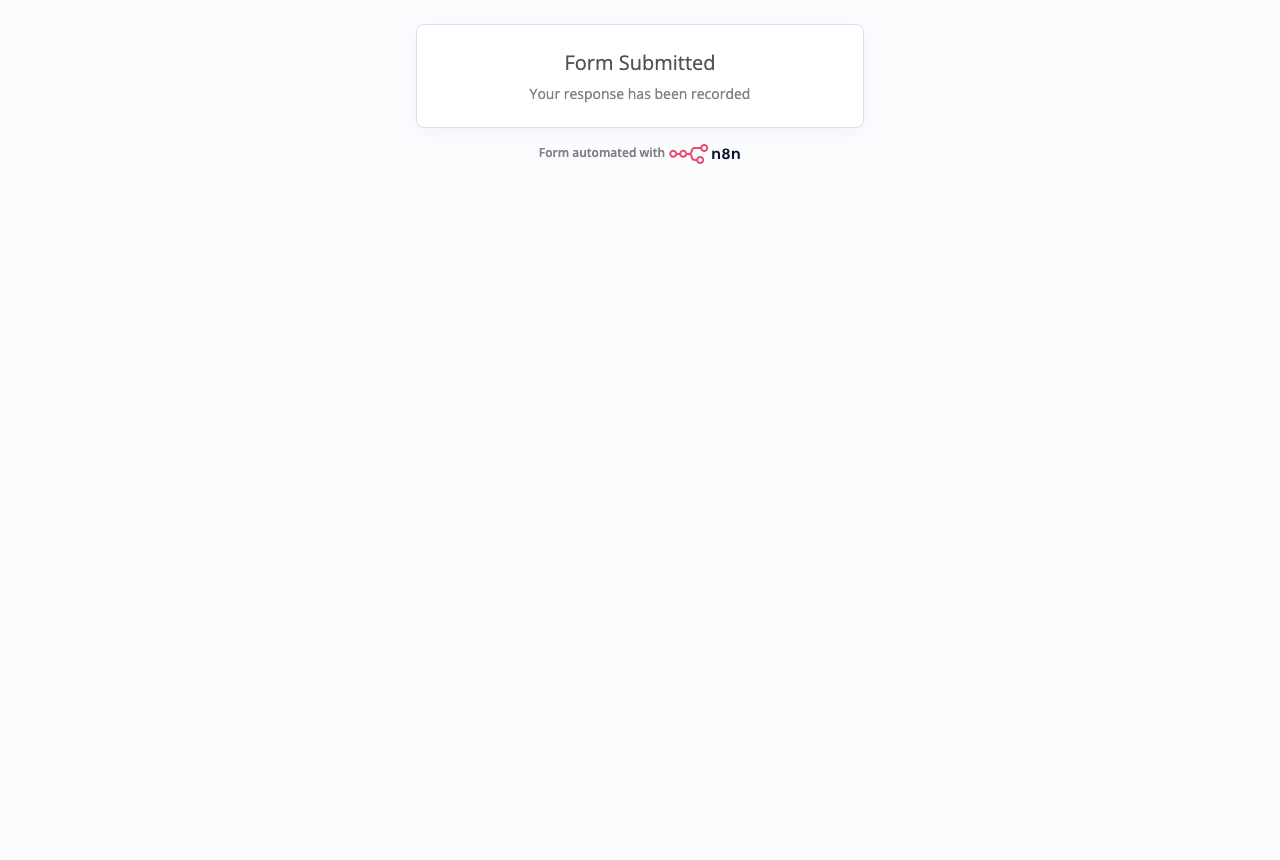
In the test run, a separate browser with no sign-in and no token opened a one-page form at /form/<id>. Its submit went out with Origin: null, got a 200, and n8n showed its confirmation:
A form with a second page also needs /form-waiting/. After the first page, the form checks the execution's status under that path and loads the next page from there. In the test run, with only /form/ public, the first page submitted and the workflow started, but the check failed and page two never loaded. With /form-waiting/ public as well, the same form ran to its last page. The n8n preset includes it (public paths). A preset only fills in a new app's paths, so on an n8n app added before November 24, 2026, add /form-waiting/ under Public paths yourself.
What happens to n8n's test webhooks and test forms?
They need sign-in, because the preset doesn't open them. A test webhook from an outside service gets the same 401 as the REST API:
$ curl -sk -i -X POST -H 'content-type: application/json' -d '{"order":1042,"total":129.5}' https://e2e-app.example.com/webhook-test/0d556335-b5e9-412d-bb6f-62b27ab55f9a
HTTP/2 401
content-type: application/json
server: LocalCan
www-authenticate: LocalCan-Access
x-localcan-auth: login

{"error":"authentication_required","login":"/.localcan/access/login"}
With forms on the editor's hostname, as here, a test form fails for the same reason as in n8n's guide, even for someone who is signed in: its sandboxed submit carries no cookie, so LocalCan sees a request with no sign-in. This is that request, with Origin: null and no cookie:
$ curl -sk -i -X POST -H 'Origin: null' -F Message=x https://e2e-app.example.com/form-test/5e54a926-b213-44e1-8d53-f5f18efce4fb
HTTP/2 401
content-type: application/json
server: LocalCan
www-authenticate: LocalCan-Access
x-localcan-auth: login

{"error":"authentication_required","login":"/.localcan/access/login"}
When an outside service has to reach a test URL, or you test a form from the editor, add /webhook-test/ or /form-test/ while you build and remove it afterwards. n8n registers a test URL only while you listen for a test event or run the workflow from the editor (Webhook node↗), so between tests a public test path reaches nothing. You can also publish the workflow and test with the production URL.
Does the n8n editor work behind a sign-in proxy?
The editor keeps a WebSocket open at /rest/push for live updates, so that is the part to check behind any proxy. In the test run:
- n8n's own owner setup, its session cookie, sign-out and n8n's REST API calls from the editor page worked through Access.
- The push WebSocket connected and received 5 messages from n8n.
- No response was a 5xx, no redirect dropped
https, and no LocalCan error page appeared.
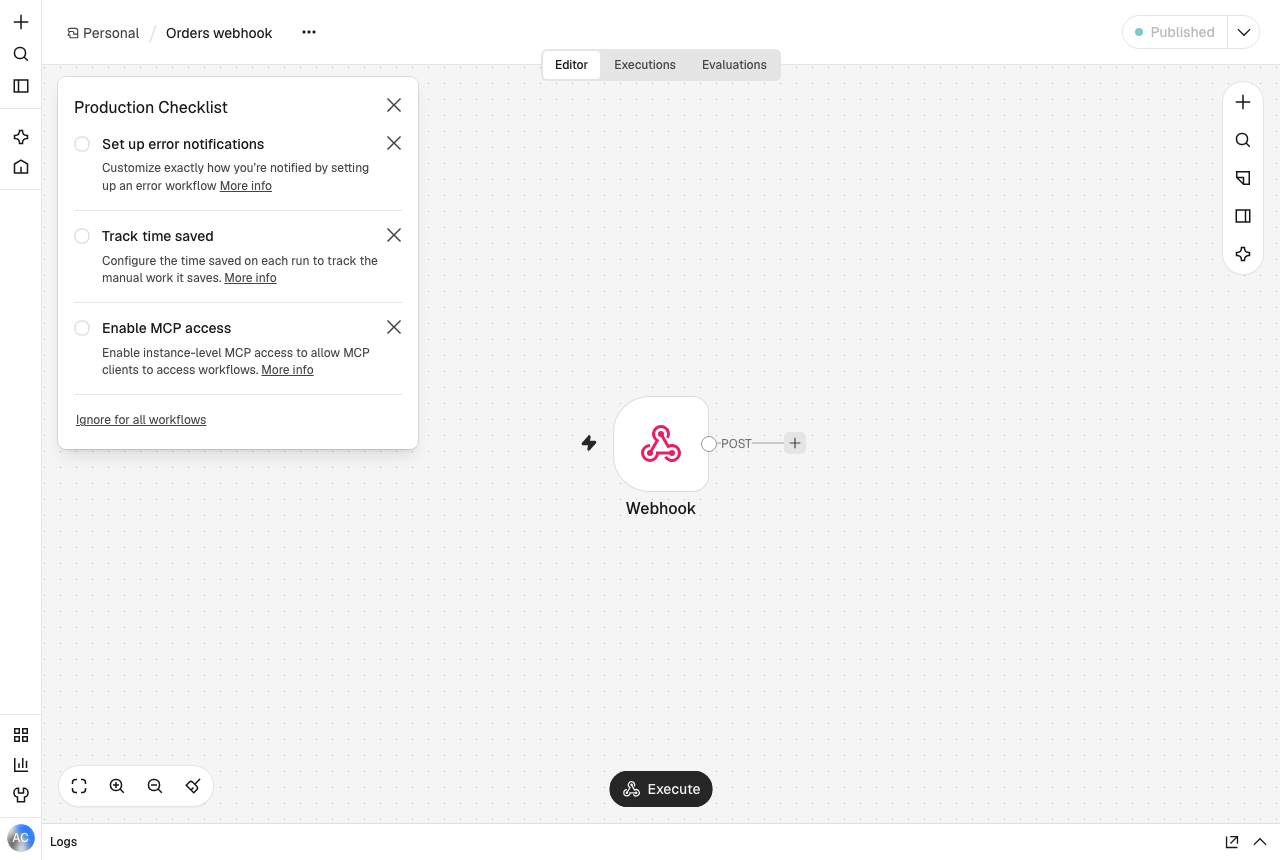
The signed-in browser was let in with a service token instead of a Google sign-in, so the run covers n8n's traffic through Access and leaves out the sign-in itself, which the Grafana post's sign-in walkthrough shows.
How do you put company sign-in in front of n8n?
Access is in Preview and priced per app, not per person: Starter is $29 a month for 3 apps, every tier includes unlimited viewers under fair use, and Access pricing lists the other tiers. You can set up 3 apps before you pay. The steps follow the quick start, which also lists what to have first: Access on your team and an owner or admin account with two-factor sign-in.
1. Add the app. In the dashboard, open LocalCan Access → Apps, select Add app and choose the n8n preset. It fills in the upstream http://n8n:5678, for when the connector shares n8n's Docker network, and the four public paths. Enter the hostname people will open, such as n8n.example.com. For a first app, choose New connector on this server. Creating the app shows the connector key once, so copy it before you close the dialog.
2. Tell n8n its public address. Behind a proxy, n8n can't work out the URL people use, so set it, as n8n's reverse proxy guide↗ describes. These are the settings the test run used, on n8n's service in your Compose file:
services:
  n8n:
    environment:
      N8N_WEBHOOK_URL: https://n8n.example.com/
      N8N_EDITOR_BASE_URL: https://n8n.example.com/
      N8N_PROXY_HOPS: "1"
On n8n versions before 2.30.0, use WEBHOOK_URL instead of N8N_WEBHOOK_URL.
3. Run the connector next to n8n. The connector runs on Linux, with Docker, Docker Compose or systemd. Save the key in a file that the connector's user owns:
sudo install -d -m 0755 /etc/localcan
sudo install -m 0400 -o 65532 -g 65532 /dev/stdin /etc/localcan/connector.key
# paste the key, press Enter, then Ctrl-D
Then add the connector to the Compose file that runs n8n, so it shares n8n's network:
services:
  localcan-connector:
    image: ghcr.io/localcan/connector:1
    restart: unless-stopped
    environment:
      LOCALCAN_CONNECTOR_KEY_FILE: /run/secrets/connector_key
    secrets:
      - connector_key
    volumes:
      - localcan-connector:/data

secrets:
  connector_key:
    file: /etc/localcan/connector.key

volumes:
  localcan-connector:
Remove n8n's published port, the 5678:5678 entry under the n8n service's ports: in n8n's Docker Compose setup↗, and close any other way in, such as a reverse proxy that still answers for the hostname, so the hostname is the only path to n8n.
4. Point the hostname at LocalCan. The app's Domain section shows a CNAME target that ends in .cname.localcan.dev. Add a CNAME record from your hostname to it at your DNS provider. LocalCan gets the certificate from Let's Encrypt once the record resolves and the connector is connected. Then update the webhook URLs you gave outside services, if the hostname changed.
5. Choose who may sign in. A new app lets nobody in. Add a rule under Who may sign in: your company's Google Workspace domain, a Microsoft tenant, exact email addresses, or a group from your own OIDC provider, such as Keycloak. Sign-in methods and rules lists what each method can check.
6. Open the address. LocalCan sends you to your sign-in method and back, and then n8n shows its own sign-in page.
Do people sign in twice?
Yes. Grafana and apps that check the identity header sign people in from it, as in Grafana sign-in with a company account, but n8n keeps its own login behind LocalCan Access. People sign in to LocalCan first, with their work account, and to n8n second:
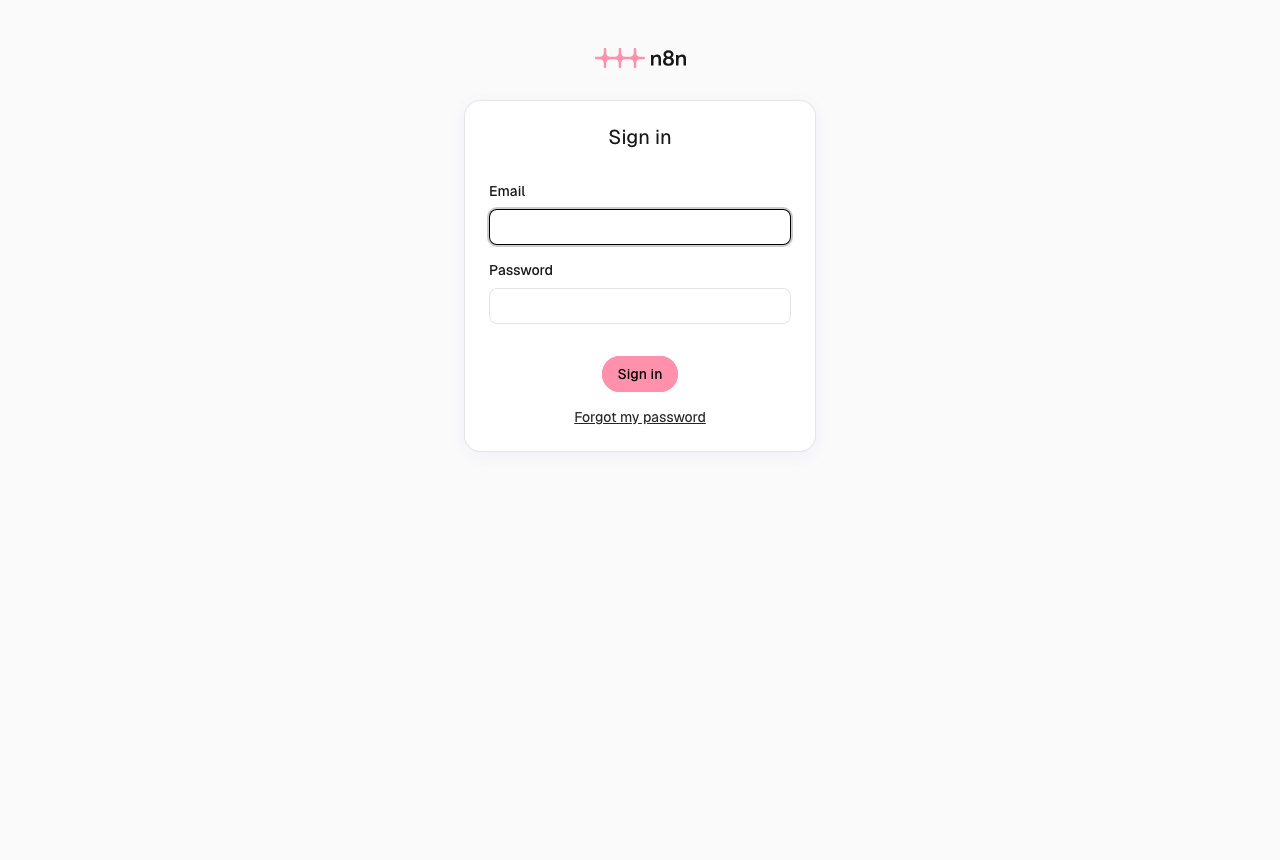
There are two ways to handle the second step:
- Keep n8n's own email and password accounts. Only people your rules allow can reach n8n's sign-in page, so a stranger never gets to try a password.
- Set up n8n's own SSO with the same identity provider your Access app uses, such as Google Workspace, Microsoft Entra ID or Okta, so both steps use the same work account. That takes a Business license for SAML↗ or an Enterprise license for OIDC↗.
Open WebUI behind company sign-in works the same way: its own login stays, and Access decides who gets to see it.
How do scripts call the n8n API behind Access?
n8n's public API takes an API key in the X-N8N-API-KEY header (API authentication↗). Behind Access, a script also needs a service token, which travels in two headers of its own, LC-Access-Client-Id and LC-Access-Client-Secret. The two don't collide: LocalCan removes only its own LC-Access-* headers before the request reaches n8n.
A script with no token gets the 401 shown above. A wrong, revoked or expired token gets a 401 with the code LC2004, listed in troubleshooting.
What does LocalCan see of n8n's traffic?
LocalCan's servers end HTTPS for the hostname, since they hold its certificate. They see each request in plaintext, pass it on to the connector, and stream n8n's response back without keeping it.
For requests to n8n's address they log one line per request, with the method, host, path, the names of query parameters but not their values, the status, the duration and the visitor's IP address. A sign-in, a sign-out, a refused request or a service-token call adds a line with the outcome, the host and the IP address, plus the token's ID for a service-token call (never its secret). They never log other headers, cookies, user agents or any part of a body, so webhook payloads, form answers and the credentials you type into n8n stay out of LocalCan's logs (what LocalCan can see). Separately, your team's access log lists each sign-in with the time, person, app and IP address, and keeps it 90 days (access log).
What happens if LocalCan can't be reached?
LocalCan is in the path of every request. If LocalCan's sign-in service can't be reached, people already signed in keep their session for up to 60 minutes after its last successful check, and new sign-ins wait until it is back (how fast a change takes effect). n8n itself keeps running on your server the whole time.
FAQ
Is n8n free to self-host?
The Community edition is free to self-host, and registering it with an email address unlocks folders, debug in editor and custom execution data at no cost (Compare editions↗).