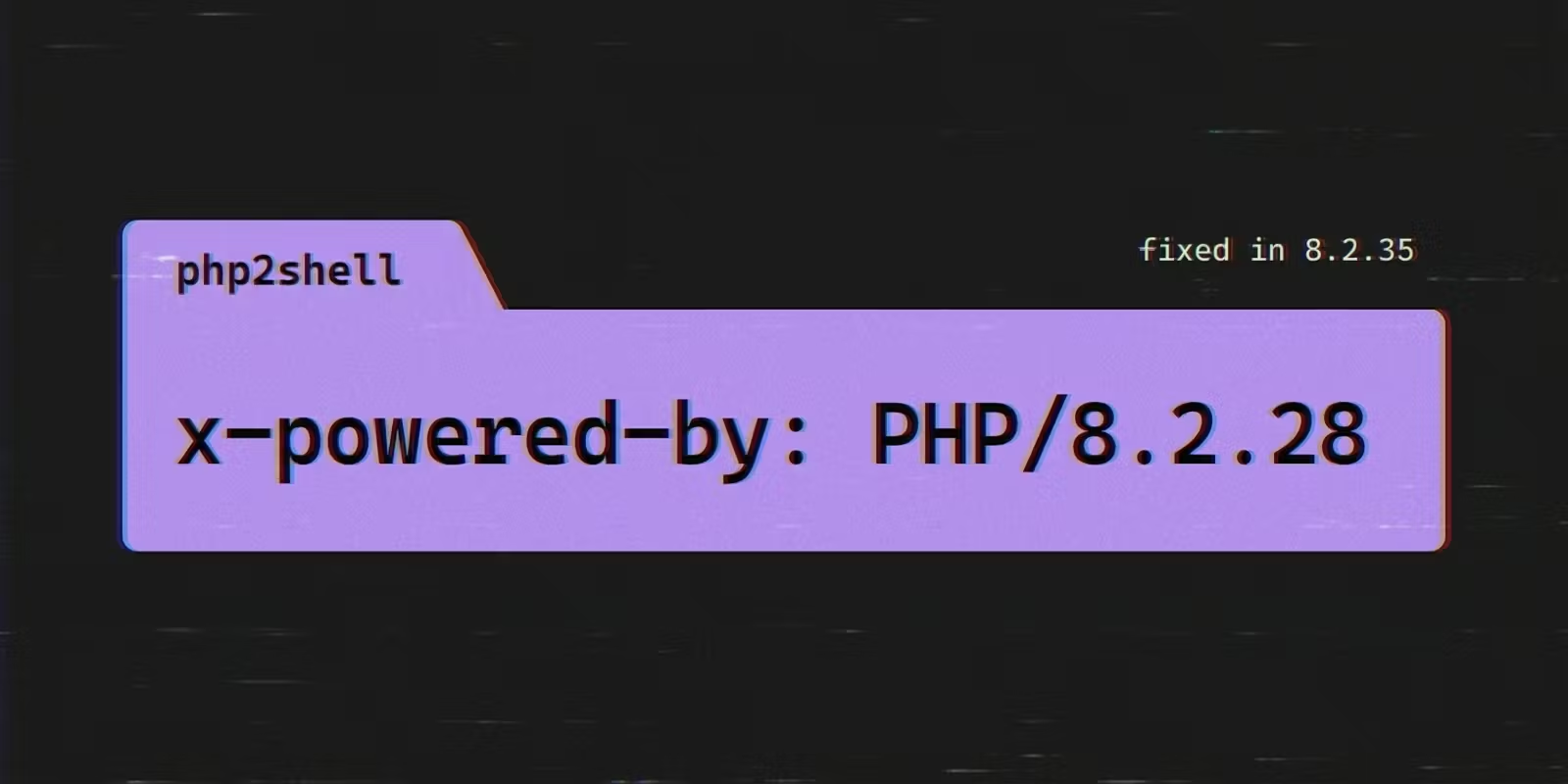

A Laravel Herd, Valet or php artisan serve site that you share through a tunnel is an internet-facing PHP install. The php2shell bugs (CVE-2026-109618 and CVE-2026-109619, unauthenticated remote code execution in PHP itself) apply to it the same way they apply to a production server. Until the PHP on your laptop is at a fixed version (8.5.12, 8.4.27, 8.3.36 or 8.2.35, released on 21 October 2026↗), find every shared URL that is live and read the PHP version off the URL rather than off php -v. Then pause each unpatched one, or put a password in front of it that is checked before the request reaches your machine.
The NCSC and Huntress tell you to inventory every PHP install. The NCSC's↗ first step is "Identify systems running PHP across your infrastructure, prioritising internet-facing systems", and Huntress↗ adds vendor appliances, control panels and CMSs to the list. A dev site behind a tunnel is internet-facing, yet it rarely makes that list, because it runs only while you work, often from a terminal tab. It still answers anyone who has the URL.
The output below comes from a stock Laravel 12 app in Herd on a Mac, shared through a LocalCan Public URL (also called a tunnel), on 21 October 2026 between 17:03 and 17:28 UTC, about three hours after php.net published the fix. An AI assistant helped draft this post. The commands and numbers come from my own runs. The update steps at the end follow the Herd, Valet and Homebrew docs and were not run on that Mac.
What are CVE-2026-109618 and CVE-2026-109619?
They are two memory bugs in how PHP sets up and cleans up a request, both rated 9.2 on CVSS 4.0 and both reachable over the network with no login. From the php.net advisory↗:
- CVE-2026-109618 (GHSA-w8hw-w9fx-j79w↗): running out of memory can interrupt PHP while request data is only partly initialised, and request cleanup may then treat the invalid data as valid.
- CVE-2026-109619 (GHSA-6wmf-4rv5-p3rp↗): state that belongs to one request can survive after its memory is freed, and a later request handled by the same worker may use it.
Both bugs sit in PHP below your framework, so no Laravel or Composer update fixes them. The fix is a new PHP binary:
| Branch | Fixed in |
|---|---|
| PHP 8.5 | 8.5.12 |
| PHP 8.4 | 8.4.27 |
| PHP 8.3 | 8.3.36 |
| PHP 8.2 | 8.2.35 |
PHP 8.1 and older get no update from the PHP project, though minimal backports for 7.4, 8.0 and 8.1 exist for building from source. PHP 8.2 reaches end of life↗ on 31 December 2026. The advisory lists partial configuration mitigations (session.upload_progress.enabled=0, memory_limit=-1, a lower post_max_size, and fatal_error_backtraces=0 on 8.5) and says they do not make an installation safe.
On 21 October, watchTowr↗ reported exploitation in its honeypots, Cloudflare's CTO said the company was seeing early attacks (quoted by Tenable↗), and Huntress had seen none in its partner base as of 10am ET.
Does php2shell affect Laravel Herd, Valet and artisan serve?
Herd and Valet, yes, until their PHP is updated. Both run PHP-FPM, which the advisories analyse directly. The php artisan serve command runs PHP's built-in server, which neither advisory mentions.
- Herd serves sites with nginx and PHP-FPM. On my Mac the process list shows
php-fpm: master process (/Users/you/Library/Application Support/Herd/config/fpm/8.2-fpm.conf). For CVE-2026-109618 the advisory calls FPM susceptible by source analysis, with no complete exploit demonstrated. For CVE-2026-109619 it lists a case validated against FPM that goes through session upload progress, which is on by default, and it notes that the attack depends on a suitable operation in the application. - Valet serves sites with nginx and Homebrew's PHP-FPM (the Valet docs↗ name
~/.config/valet/valet.sockas the PHP-FPM socket). The same FPM analysis applies. php artisan servestarts PHP's built-in server. On my Mac it ran/opt/homebrew/Cellar/php/8.4.11/bin/php -S 127.0.0.1:8123with Laravel'sserver.phprouter. The PHP manual↗ says of that server, "It should not be used on a public network." Treat it as affected until the binary is updated.
Without a tunnel, a dev site answers only on your own machine. Valet↗ "restricts incoming traffic to the internal 127.0.0.1 interface by default", and Herd's nginx config for my site listens on 127.0.0.1 only. A tunnel such as valet share, ngrok, Expose or a LocalCan Public URL is what puts the site on the internet.
Which PHP version is my shared site running?
The one your web server runs, which on my Mac is not the one php -v prints. The terminal and the Herd site run different PHP builds:
$ php -v | head -1
PHP 8.4.11 (cli) (built: Jul 29 2025 15:30:21) (NTS)

$ herd parked
+------+-----+-------------------+----------------------+-----+----------+
| Site | SSL | URL               | Path                 | PHP | Node     |
+------+-----+-------------------+----------------------+-----+----------+
| lar3 |  X  | https://lar3.test | /Users/you/Herd/lar3 | 8.2 | v22.22.2 |
+------+-----+-------------------+----------------------+-----+----------+

$ curl -skI https://lar3.test:4443/ | grep -i x-powered-by
x-powered-by: PHP/8.2.28
Port 4443 is this Mac's HTTPS port for Herd, because another app holds 443. A default secured Herd site answers on https://myapp.test/.
The php on my PATH is Homebrew's 8.4.11. The site runs Herd's PHP-FPM 8.2.28. The same app under php artisan serve reports the terminal's version instead, because artisan serve starts the PHP binary that ran artisan, and a bare php is the first one on your PATH:
$ curl -sI http://127.0.0.1:8123/ | grep -i x-powered-by
X-Powered-By: PHP/8.4.11
Neither is on a fixed release. No PHP binary Herd had installed on this machine (8.0.30 to 8.3.22) was on a fixed release either.
The X-Powered-By header comes from expose_php↗, which is on by default. Read it through the shared URL, because that is the request a stranger makes. With LocalCan, open the URL once and export that request from the traffic inspector. Capture is on while the desktop app runs, and with only the daemon it needs localcan traffic enable:
$ localcan traffic get cc122170 --format http | grep -i -E "^# forwarded|^HEAD|^host:|^HTTP|^server:|^x-powered-by:"
# forwarded to https://lar3.test:4443/ · original client URL: https://php-demo-web.localcan.dev/
HEAD / HTTP/1.1
Host: lar3.test
HTTP/1.1 200 OK
server: nginx/1.25.4
x-powered-by: PHP/8.2.28
The export is the request LocalCan forwarded to Herd, with the Host header rewritten to lar3.test as the Herd guide sets it up, and the response PHP-FPM sent back. If expose_php is off, the PHP column in herd parked gives the branch (herd isolated and valet isolated list per-site versions), and running that branch's binary with -v gives the patch number.
Which of my shared sites are reachable right now?
Each tunnel tool keeps its own list. Valet's valet share and LocalCan's quick tunnels (localcan http 80 --host myapp.test -H "Host: {{target_host}}") run in the foreground, so the open terminal tabs are the list, and Ctrl+C ends each one.
LocalCan Public URLs created in the app or in a project file stay reserved after you close the app, so go through all of them. The desktop app lists them, with pause and resume in each one's menu. From the terminal, localcan services ls shows each service's local target (look for .test hosts and artisan's port 8000) and localcan access ls shows which URLs are protected, but neither says whether a URL is live or paused.
A coding agent connected over MCP sees all of it. The list_public_urls tool returns every URL's state, what it serves, its protection and its local target, get_public_url_status does the same for one URL, and pause_public_url and resume_public_url change the state. This was the demo URL before I paused it:
{"access":"password","headers":[{"name":"Host","value":"{{target_host}}","mode":"set","enabled":true}],"serving":"live","state":"active","target":"https://lar3.test:4443","url":"php-demo-web.localcan.dev"}
Start with any URL that is active, serves live, points at a PHP target, and has access set to none (public in localcan access ls).
How do I protect a shared PHP site until PHP is patched?
If nobody needs the site today, pause it. A paused Public URL goes offline and keeps its address for up to 7 days (see pausing and resuming). When I paused an unprotected test URL, visitors got LocalCan's offline page (error code LC1000) and nothing reached my Mac.
If a client or teammate still needs the site, put a password in front of it that is checked before the request reaches your laptop. Access control checks it on LocalCan's servers. The password takes several seconds to reach those servers, and requests go through until it does, so set it while the URL is paused:
- Pause the URL, from its menu in the app or with
pause_public_urlover MCP. - Run
localcan access password <url>. - Wait until a plain
curl -sI https://<url>/returns 401. - Resume the URL, from the same menu or with
resume_public_url.
Then test it the way a stranger would, with a plain request and a multipart upload carrying the session upload progress field, the request shape both advisories describe:
$ curl -sI https://php-demo-web.localcan.dev/ | grep -i -E "^HTTP|^server|x-powered-by|x-localcan-auth|www-authenticate"
HTTP/2 401
server: LocalCan
www-authenticate: LocalCan-Gate
x-localcan-auth: challenge

$ curl -s -o /dev/null -w "%{http_code}\n" -F "PHP_SESSION_UPLOAD_PROGRESS=1" -F "file=@upload.txt" https://php-demo-web.localcan.dev/
401

$ localcan traffic ls --host php-demo-web.localcan.dev
ID        TIME      METHOD  STATUS  DUR   PATH  HOST
cc122170  19:10:39  HEAD    200     28ms  /     php-demo-web.localcan.dev
608c43b1  19:10:32  HEAD    200     56ms  /     php-demo-web.localcan.dev
0ed61179  19:09:33  GET     502     0ms   /     php-demo-web.localcan.dev
40fbd0ec  19:09:28  GET     502     1ms   /     php-demo-web.localcan.dev
c65f28c3  19:09:22  GET     502     2ms   /     php-demo-web.localcan.dev
The grep asks for x-powered-by and finds none, because the 401 came from LocalCan and PHP never ran. With capture on, the inspector records every request LocalCan forwards to your app, and neither stranger request (sent at 19:10:48 local time, UTC+2 here) is in it. The two newest rows are my own checks after signing in.
The three 502 rows are the window the steps above close. On this demo I set the password while the URL was live and still pointed at a port with nothing listening. One request came in before I ran access password, and two more went straight through to my Mac while the password page took up to about 16 seconds to appear. Only after the 401 did I point the URL at Herd. On a second throwaway URL I followed the four steps. The password page was up within 6 seconds while the URL was paused, it answered the first request after resume, and the inspector held no request from the paused or protected stretch.
Anyone with the password still reaches PHP, so send it to the people who need it, not to a public channel, and treat it as a stopgap until the patch. Access control is on paid subscription plans. On every plan, Basic auth keeps strangers away from PHP too: LocalCan checks the credentials on your machine, and your app never sees a request unless they match. Other ways to put a password on a localhost link are compared in how to password protect a prototype link.
How do I update PHP in Herd and Valet?
- Herd: open the PHP tab in settings, or run
herd php:updatewith the branch from the PHP column inherd parked(herd php:update 8.2for the site above). The command updates an installed version↗ to the latest patch release. Herd's update docs↗ say "Minor PHP patch versions in Herd can lag a few days behind their official release because they get tested extensively after they’ve been compiled specifically for Herd." Until then, keep the URL paused or behind its password. - Valet: run
brew update, thenbrew upgrade php(or thephp@8.xformula you use), thenvalet restart. php artisan serve: update whichever binarywhich phpprints, then restart the server.
Homebrew lags too. At 17:06 UTC, about three hours after the release, formulae.brew.sh↗ served these versions:
php 8.5.11 bottle
php@8.4 8.4.27 bottle
php@8.3 8.3.36 bottle
php@8.2 8.2.34 bottle
The php formula, the one Valet's install guide uses, was still on 8.5.11, with the 8.5.12 update waiting in an open pull request (Homebrew/homebrew-core#320074↗). Homebrew's php@8.2 also still served 8.2.34, although its update had merged (#320080↗). After brew upgrade, check the version rather than assume it.
For a site on PHP 8.1 or older, move it to a newer branch the app works on, and only to one that already has a fixed build. At 17:06 UTC Homebrew's php@8.4 was 8.4.27, so valet isolate php@8.4↗ would land on a fixed build, while herd isolate 8.4↗ helps once Herd ships the patch. Run either from the site's directory. Until then, keep its URL paused.
Check the version again before you lift the lock. Resume a URL that still has its password, open it once with the password, and read the header from the inspector. For a paused URL with no password, read the local site directly (curl -skI https://myapp.test/ | grep -i x-powered-by). Once it prints one of the fixed versions, resume the URL or remove the password with localcan access clear <url>.